Creating Distance Maps
Distance maps (also called distance transforms) are powerful tools for a number of image processing techniques, such as computing Watersheds and scalar values. The values in a distance map are the minimal distances to labeled voxels in the source region of interest and are created in the floating point data type. You should note that image data is not considered when computing distance maps.
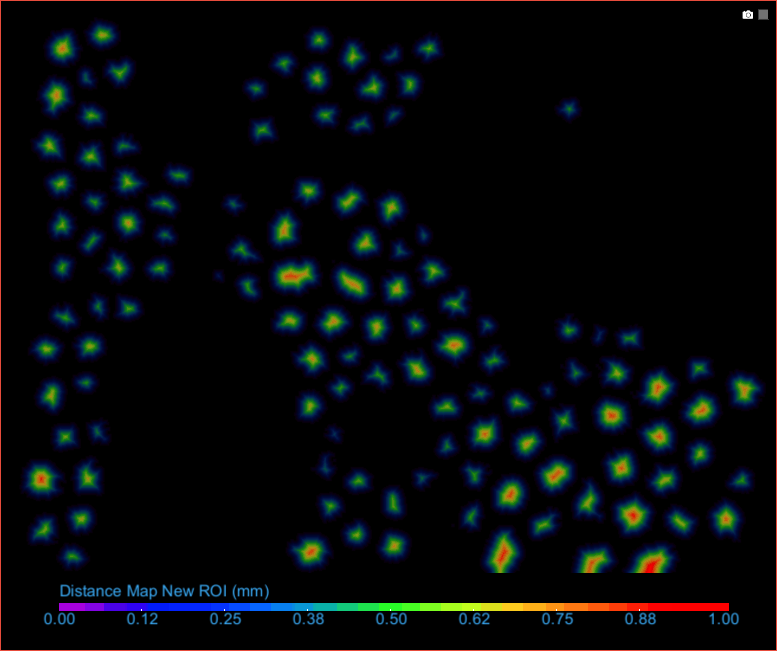
When you create either a distance map or signed distance map, such as the one shown below, each voxel outside the region of interest is replaced with a value equal to that pixel’s distance from the nearest pixel in the ROI.
Distance map of an inverted ROI
- Right-click the required region of interest in the Data Properties and Settings panel.
- Do one of the following:
- Choose Create Mapping Of > Distance Map in the pop-up menu.
- Choose Create Mapping Of > Signed Distance Map in the pop-up menu.
The distance map is created and added automatically to the Data Properties and Settings panel (see Image Properties and Settings).
